
Contact management for teams
Securely sync contacts to team devices with full or read-only access — built for seamless MDM deployment.
Trusted by great businesses worldwide






Deploy instantly to hundreds of devices
Roll out contact lists via MDM — fast, secure and straight to the native contacts app
- MDM-ready connections (Jamf, Intune, etc)
- Provisioning profiles for instant phone setup
- Control access with read-only and label-based sync

Trusted & Compliant
We've earned SOC 2, GDPR, and HIPAA certifications to secure your contact data.

SOC 2
Robust controls to protect your contact data.

GDPR
EU data privacy compliance.

HIPAA
Ensuring secure handling of protected health information.
Your contact lists. Right where your team needs them
Contacts appear directly in the phone's native address book — no setup, no training and ready for every shift, crew or team
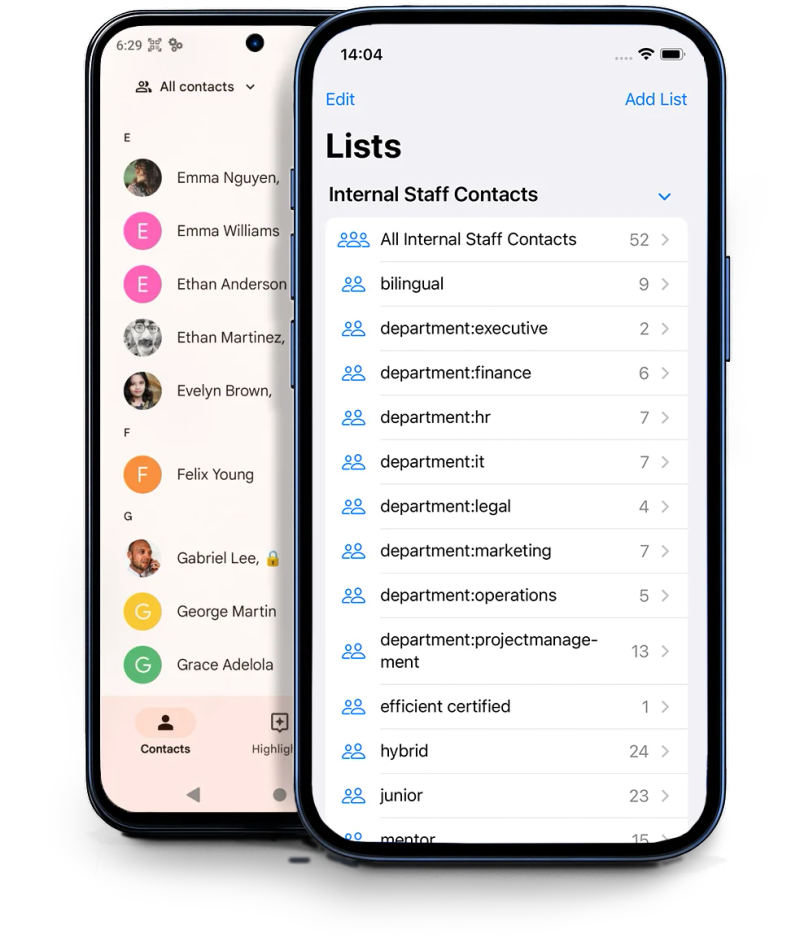
Native iOS Support
Works with iOS natively using CardDAV. No fuss for users. Set once and stay in sync.
Smart Android Sync
Syncs via CardDAV using our built-in Android support — no setup, just ready for your team.
Read-Only & Role-Based Access
Assign exactly what each team or shift should see — no risk of overwriting or accidental edits.
Organize contacts the way that suits your business
Structure your address book around your workflows — not the other way around
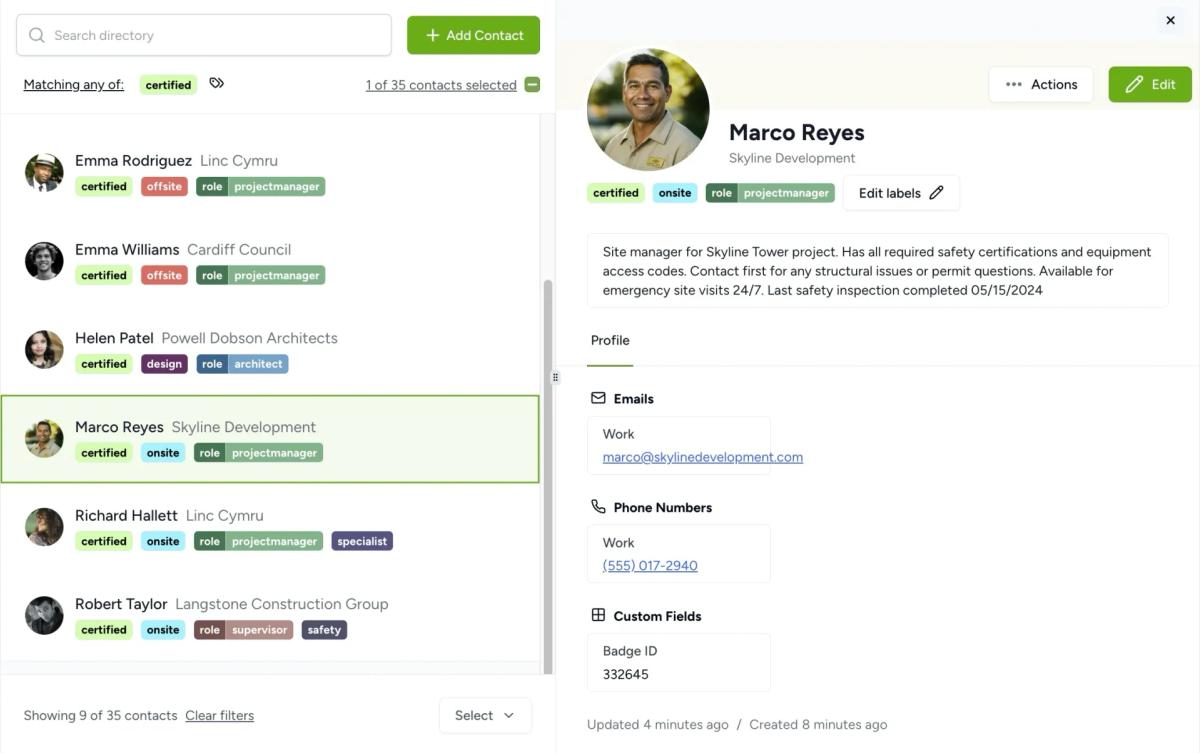
- Custom fields to capture the data that matters to your team
- Custom labels to tag and filter contacts your way
- Group labels to organize contacts into meaningful categories
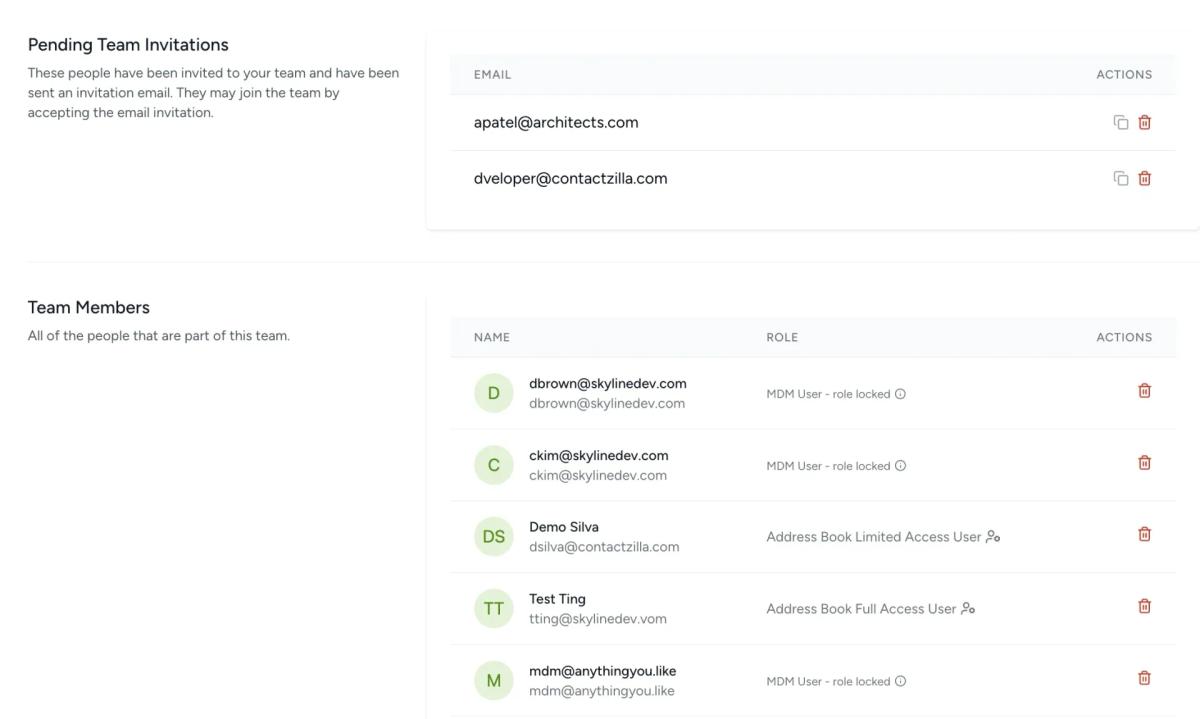
Invite team, share contacts
Easily invite team members and control exactly what they can see and do with granular permissions
- Easy invite process
- Granular permissions
- Share one or many address books
Integrations with 3rd party software
Import contacts into your address book from a wide range of third-party sources.



Stay up to date on our journey
Explore our blog for up-to-date industry news and product updates related to contact management.
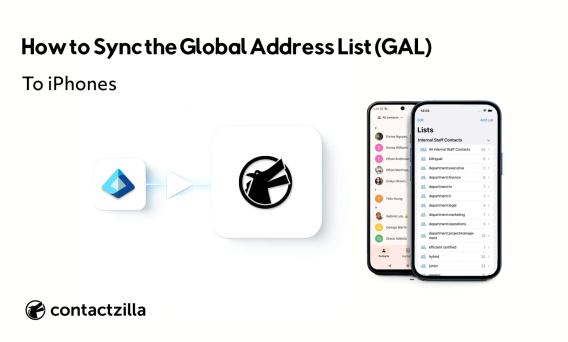
How to Sync Global Address List (GAL) to iPhones
Learn how to sync the Microsoft Global Address List to iPhones as real contacts, with caller ID, using Entra ID and MDM
Read Article
CiraSync Alternative: A Simpler Way to Sync Microsoft 365 Contacts to iPhone & Android
Looking for a CiraSync alternative? Learn how different sync models affect Microsoft 365 contact deployment and discover a cleaner approach for iPhone and Android fleets.
Read Article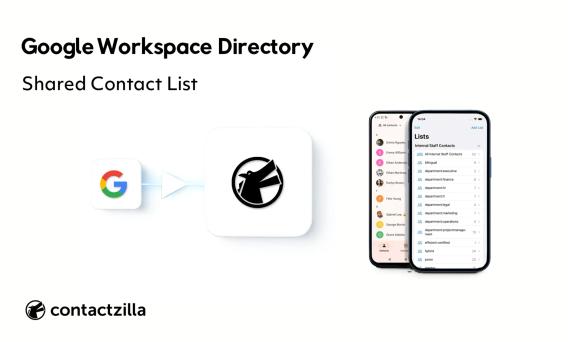
Set Up a Google Workspace Shared Contact List for Work Phones
Set up a Google Workspace shared contact list for iOS and Android. Learn how to sync directory users and deploy read-only contacts to devices at scale.
Read ArticleCustomer success stories
Trusted by frontline teams who rely on fast, secure contact access — wherever and however they work.
Contactzilla has added the ability to synchronize and share critical contacts across our field devices. An invaluable tool for emergency services.

Sean Skaugen
North Hayes County EMS
Contactzilla has made it super easy for us to deploy and update critical team contacts automatically via MDM. A massive time saver for our IT team.

Sam Simanjuntak
Central Pierce Fire & Rescue
It makes our lives easier. It makes the whole team more productive. Everyone always has the most up to date contact information.

Jon Davies
Founder, Chatter Communications
Contactzilla helps communication on projects between our employees and central management. Simple, effective, and reliable.

Bruce Roberts
IT Director, J.F. White
Contactzilla offers us a secure place to store and manage contacts and case details. Our team loves how easy it is to use.

Courtney Trimble
Office Manager, Greg Wright Law
Get started
Ready to supercharge your contact book? Grow sales and stay organized with better contact management for your team.
Start FREE Trial